
Clinics: Get 23% More Online Bookings Fast, Keep Them with EMR Sync
Pair quick no-code fixes like CTAs, QR posters and phone scripts with EMR and calendar sync plus SMS reminders to boost online bookings, reduce no-shows,...

Clinics: Get 23% More Online Bookings Fast, Keep Them with EMR Sync
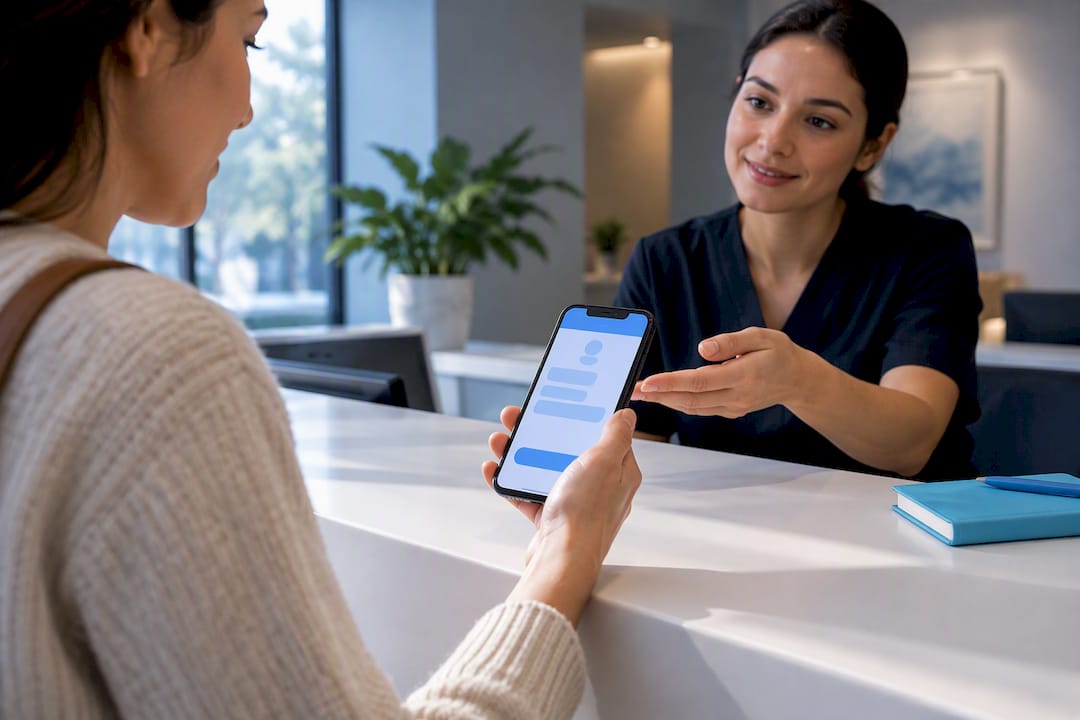
Enable mobile self-scheduling and push it through every channel you already own: phone scripts, email signatures, and the waiting room. Clinics with online booking fill 23% more appointment slots, and 73% of patients say they’d rather book that way than call. The channel changes should take days. Syncing your calendar and EMR properly takes longer, but it’s what makes the gains stick.
TL;DR:
- Using a mobile-first booking widget embedded on key pages significantly increases online appointments and reduces abandoned forms.
- Enhancing visibility through dedicated location pages, optimized Google profiles, and targeted ad landing pages boosts local discoverability and bookings.
- Implementing a three-touch reminder sequence via SMS and email lowers no-show rates by roughly 28% to 34%, especially when combined with small deposits.
- Syncing booking data in real-time with your EMR and tracking “kept appointments” helps optimize marketing spend and reduce double bookings.
- Most practices see faster results by first updating scripts, signage, and booking flows before tackling advanced technical integrations.
Table of Contents
- What Are the Fastest Ways to Increase Online Bookings for a Clinic?
- How Do You Reduce Friction in the Booking Flow?
- How Can Clinics Make Their Booking Page Easier to Find?
- What Reminder Schedule Actually Reduces No-Shows?
- How Do You Connect Booking Data to Real Marketing Results?
- What Does a 90-Day Rollout Look Like?
- Why Most Clinics Get This Backward
- How a specialized agency builds this without the guesswork
- Sources
- FAQ
What Are the Fastest Ways to Increase Online Bookings for a Clinic?
You don’t need a developer or a new website to move the needle this week. Most of the friction blocking patients from booking online has nothing to do with technology. It’s visibility.
Here’s what to fix first:
- Add a “Book Now” button to every email footer, voicemail greeting, and text confirmation.
- Print QR-code posters for the waiting room and exam rooms that link straight to your booking page.
- Train front desk staff to text or email the booking link to callers requesting routine visits instead of scheduling by hand.
- Rename appointment types in patient-facing language (“Annual Checkup” instead of “New Patient Intake, Level 2”) and cut any field that isn’t strictly necessary.
None of this requires a rebuild. It requires someone on your team spending an afternoon updating scripts and signage.
Pro Tip: Ask your receptionist to say “I can text you a link to book that yourself in 30 seconds” instead of “Let me check the calendar.” Patients almost always take the faster option once they know it exists.
How Do You Reduce Friction in the Booking Flow?
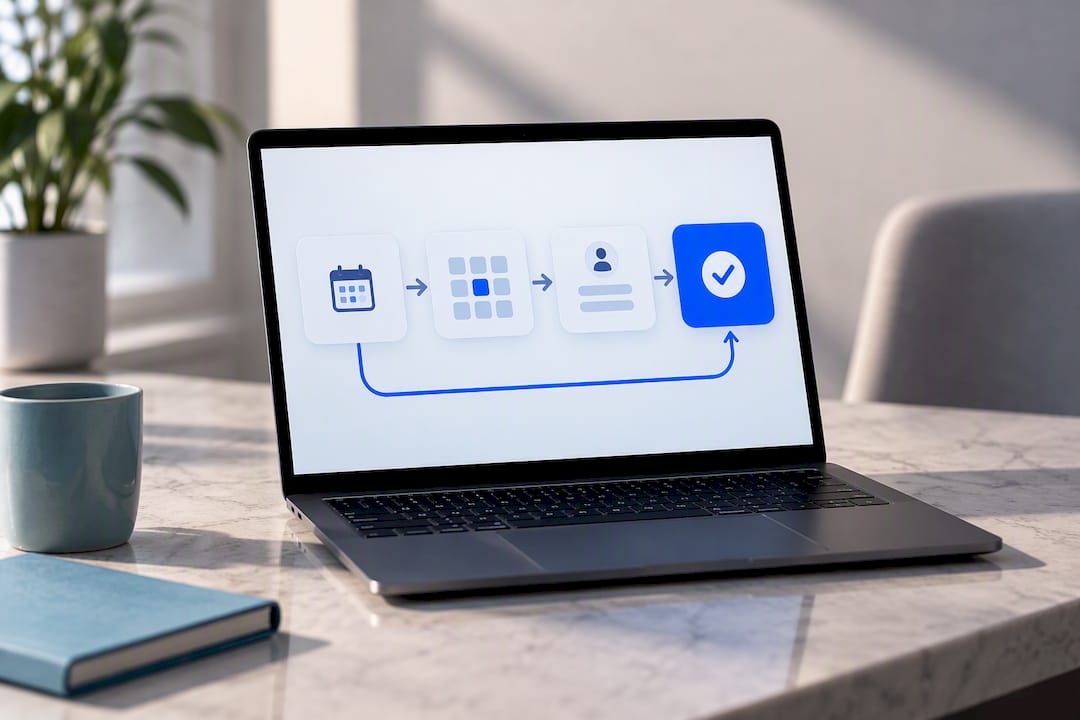
Roughly 73% of bookings now happen on a smartphone, so a desktop-first widget is quietly costing you patients before they ever reach a confirmation screen. If your booking tool takes more than a minute to complete on a phone, assume a meaningful share of visitors abandon it.
Fix the flow with these changes:
- Design for mobile first: one screen, big tap targets, minimal scrolling.
- Ask only for name, phone, date, and appointment type up front. Push insurance details and intake forms to a follow-up step after the slot is confirmed.
- Show live, real-time availability instead of a “request an appointment” form that requires a callback.
- Embed the booking widget directly on your homepage, individual service pages, and each clinician’s bio page, not just a buried “Contact Us” tab.
Patient self-scheduling works because it captures intent the moment a patient decides they need care, even at 9 p.m. on a Sunday. A clunky multi-page form kills that momentum every time.
How Can Clinics Make Their Booking Page Easier to Find?
A fast booking widget doesn’t help if patients never reach it. Discoverability is where most clinics leave real volume on the table, especially multi-location practices that route every city to one generic contact page.
- Build a dedicated page for each service and each physical location, with its own booking button, hours, and accepted insurance. A collapsed “our locations” list buried on one URL suppresses local visibility for every site except the main one.
- Optimize your Google Business Profile for every location and link the booking page directly from it. This is one of the highest-leverage, lowest-effort fixes on this whole list, and it can start driving bookings within days.
- Build focused landing pages for ads and social posts that go straight to a booking form for that specific service, rather than dropping paid traffic onto your homepage.
Google Business Profile and service pages tend to show measurable movement in weeks; full location-page rebuilds can take a couple of months depending on your web platform.
What Reminder Schedule Actually Reduces No-Shows?
A three-touch cadence works better than a single reminder: an instant confirmation at booking, a reminder 24 hours out, and a final nudge two hours before the visit. Text messages get opened far more reliably than email, so lead with SMS and use email as backup.
- Confirm immediately after booking, by text and email.
- Send a 24-hour reminder with arrival instructions, parking notes, and your cancellation policy.
- Send a 2-hour reminder for same-day accountability.
- For appointment types with chronically high no-show rates, test a small deposit or prepaid consult fee.
Case reports on multi-touch reminder sequences show no-show reductions of roughly 28% to 34% when confirmations, 24-hour texts, and 2-hour reminders run together instead of a single generic call.
Track no-show rates separately for online versus phone-booked visits. The gap usually tells you exactly where to focus next.
How Do You Connect Booking Data to Real Marketing Results?
The tactics above raise volume. This step protects the return on what you’re spending to get it. Real-time, two-way calendar sync between your booking widget and your EMR or practice management system is non-negotiable if you run more than one provider. Without it, double bookings erode trust faster than any marketing campaign can rebuild it.
- Capture a session identifier (like a GCLID) the moment a patient books.
- Feed “kept appointment” status back to your ad platform daily, not just “form submitted.”
- Add MedicalClinic schema and clinician attribution markup so search engines and AI tools can surface the right provider and location.
- Ask your vendor directly: does this integrate two-way with our PM/EMR, and can it report kept versus missed appointments back to our ad accounts?
Pro Tip: Optimizing ad spend toward “kept appointments” instead of raw form fills has driven 30% to 50% lower cost per kept appointment in reported case examples. A booked slot that turns into a no-show isn’t a win. Measure the right outcome. For a deeper look at avoiding scheduling conflicts on the technical side, this breakdown of double-booking prevention layers is worth a read.
What Does a 90-Day Rollout Look Like?
You don’t need to do everything at once, and trying to will just stall the project. Sequence it by effort and ownership.
- Weeks 1 to 2: Update CTAs, phone scripts, and QR posters. Owner: office manager. Impact: immediate.
- Month 1: Simplify the booking widget, confirm mobile optimization, turn on the reminder cadence. Owner: web or IT lead. Impact: within weeks.
- Months 2 to 3: Sync calendars and EMR, build location and service pages, set up closed-loop attribution. Owner: IT plus your marketing vendor. Impact: over the full quarter.
| Phase | Key action | Owner | Time to impact |
|---|---|---|---|
| Weeks 1–2 | CTAs, phone scripts, QR posters | Operations manager | Immediate |
| Month 1 | Widget simplification, mobile fixes, reminders | Web/IT team | Weeks |
| Months 2–3 | Calendar/EMR sync, location pages, attribution | IT + vendor | Months |
Track four numbers throughout: online booking share, front-desk call volume, no-show rate, and kept-appointment rate. If a metric isn’t moving by the end of its phase, that’s your signal to revisit the tactic, not add a new one.
Why Most Clinics Get This Backward
Most clinics chase booking volume when they should be chasing kept appointments. I’ve seen practices proudly report a jump in online bookings while their no-show rate quietly climbs right alongside it, because nobody built the reminder infrastructure to back the new booking channel up.
The pattern that actually works starts with the boring stuff: phone scripts, QR posters, a widget that doesn’t ask for insurance details before it shows you an open slot. Then it layers on the technical discipline (calendar sync, closed-loop attribution) that most agencies skip because it’s harder to sell than “more traffic.” Traffic without a kept-appointment system behind it is just a bigger funnel with the same leak. HIPAA-compliant messaging and proper schema markup aren’t optional add-ons here. They’re what let the rest of this actually scale without creating compliance risk.
— Opinly
How a specialized agency builds this without the guesswork
This agency works exclusively with independent pharmacies, clinics, and healthcare practices, and builds every recommendation with HIPAA compliance from day one rather than bolting it on afterward.

A typical starting engagement pairs a HIPAA Web Design Service rebuild of your booking flow with a Healthcare SEO Service push to get your location and service pages indexed and ranking. Clinics running paid traffic often add Healthcare PPC Service management once the booking flow is fast enough to convert that spend, and the Retention Automation Service handles the confirmation and reminder cadence covered above so no-shows don’t quietly undercut your gains. If you want a fuller picture of what a compliant, booking-ready practice site should include before you commit to a rebuild, take a look at Klyrmedia’s guide to healthcare website design. The clearest next step is a walkthrough of your current booking flow and calendar setup. Get in touch through Klyrmedia’s site to schedule one.
Sources
- Appointment scheduling statistics (Zippia)
- Healthcare digital marketing through the AI search collapse. What worked at fifty clinics. · Digital1010
- Online Patient Self-Booking: Turning Your Clinic Website Into a 24/7 Reception (Clinit)
- Online Appointment Booking System That Converts Website Visitors into Clinic Visits (EasyClinic)
- How to make your clinic easier to find and book online (Jane App)
FAQ
What Is the Best Online Booking System for Clinic Appointments?
There’s no single universal answer since the right system depends on your EMR and patient volume. Look for real-time two-way calendar sync, mobile-first design, and automated reminder sequences, since those three features drive most of the 23% increase in filled slots that clinics with strong online booking report. Klyrmedia’s HIPAA Web Design Service builds booking flows around exactly these requirements.
How Can a Clinic Get Patients Scheduled Sooner?
Show live, real-time availability instead of a “request appointment” form that requires a callback, and let patients book directly into open slots. Routing routine visits away from the phone line also frees staff to handle the complex cases that do need a live conversation.
How Do I Create an Online Booking System for My Clinic?
Start by embedding a mobile-first booking widget on your homepage, service pages, and clinician pages, then connect it to two-way calendar sync with your EMR or practice management software. From there, layer on automated confirmations and reminders so the booking system doesn’t just capture appointments, it keeps them.
What App Do Patients Prefer for Booking Appointments?
Patients consistently favor whichever option requires the fewest steps and works well on a phone, since roughly 73% of bookings now happen on smartphones. A single-page widget with live availability and SMS confirmations tends to outperform multi-step forms or apps that require a separate download.

