

Healthcare Website Design Tips That Convert Patients

Healthcare website design is the practice of building patient-facing digital experiences that turn site visitors into booked appointments. Done right, it can drive up to 67% growth in patient acquisition. Done wrong, it costs you patients before they ever pick up the phone. This article breaks down the most effective healthcare website design tips for independent clinics, pharmacies, and medical practices that want to compete online without guessing. You’ll find practical, specific guidance on trust signals, mobile performance, accessibility, navigation, and SEO structure built for 2026.

1. Healthcare website design tips start above the fold
The first screen a patient sees when they land on your site is your most valuable real estate. Most healthcare websites waste it on a generic stock photo and a tagline that says nothing. The first view of your site must immediately answer four questions: what care you offer, who it’s for, when you’re available, and how to get started. Patients who don’t find those answers in the first few seconds leave.
Here’s what belongs above the fold on a high-converting healthcare site:
- A benefit-driven headline that names the condition or patient type you serve (“Diabetes care for adults in Austin, TX”)
- A primary CTA button that says “Book an Appointment” or “Schedule a Consult,” not “Learn More”
- Trust signals near CTAs like board certifications, years in practice, or patient review counts
- A HIPAA compliance badge if you collect any patient data
- Authentic imagery of your actual providers or facility, not generic stock photos
Pro Tip: Strip your top navigation down to five items or fewer. Every extra menu option is a decision your patient has to make before they can book. Fewer choices mean faster conversions.
2. Why mobile-first design is non-negotiable for medical sites
Over 60% of medical searches happen on mobile devices. That means the majority of patients evaluating your practice are doing it from a phone, often while sitting in a waiting room or searching between meetings. If your site loads slowly or breaks on a small screen, you’ve already lost them.
Google’s Core Web Vitals require a Largest Contentful Paint (LCP) under 2.5 seconds. Miss that threshold and your rankings drop regardless of how good your content is. Speed is not a bonus feature. It’s a baseline requirement.
Practical steps to get mobile right:
- Use a responsive layout that serves the same HTML to both mobile and desktop browsers
- Compress images using WebP format and lazy-load anything below the fold
- Make phone numbers click-to-call links so patients can reach you in one tap
- Size buttons for thumb navigation, at least 44x44 pixels per Apple’s Human Interface Guidelines
- Avoid hiding key content behind tabs or accordions that Google’s crawler may not index
Pro Tip: Run your site through Google’s PageSpeed Insights and fix the top three issues it flags. Most healthcare sites fail on image compression and render-blocking JavaScript, both of which are fixable in a single afternoon.
3. Accessibility and HIPAA compliance are design requirements, not afterthoughts
The ADA requires healthcare websites to meet accessibility standards, including keyboard navigation, sufficient color contrast, and alt text on all images. Non-compliance is a legal liability, and it’s also bad for SEO since Google’s crawlers read alt text and heading structure the same way screen readers do.
The Web Content Accessibility Guidelines (WCAG) 2.1 AA level is the accepted standard for healthcare sites. Meeting it covers the majority of ADA requirements and protects you from the accessibility lawsuits that have been increasing across the healthcare sector.
Here’s a practical compliance checklist:
- Set color contrast ratios to at least 4.5:1 for body text
- Add descriptive alt text to every image, including provider headshots and facility photos
- Make all forms navigable by keyboard without requiring a mouse
- Use ARIA labels on interactive elements like dropdowns and modal windows
- Secure all patient intake forms with SSL encryption and HIPAA-compliant data handling
“HIPAA compliance isn’t just a legal checkbox. It’s a trust signal. Patients who see secure form indicators and privacy disclosures are more likely to complete intake forms and share accurate health information.”
Integrating compliance into your design from the start prevents expensive retrofits later. A HIPAA-compliant patient portal built into your site architecture is far cheaper than rebuilding one after a breach or a complaint.
4. Patient-centered navigation that guides users to book
Most healthcare websites are organized around the practice’s internal structure, not the patient’s actual questions. You end up with navigation menus that say “Our Services,” “About Us,” and “Resources” when patients are searching for “knee pain specialist” or “same-day sick visit.”
Effective navigation design starts with understanding the difference between a first-time visitor and a returning patient. First-time visitors need reassurance and direction. Returning patients need fast access to their portal, prescription refills, or appointment scheduling. Your navigation should serve both without cluttering the experience.
Key navigation principles for healthcare sites:
- Limit primary navigation to five or six items maximum
- Use breadcrumbs on interior pages so patients always know where they are
- Add a persistent “Book Now” or “Request Appointment” button in the header that stays visible on scroll
- Build a find-a-provider tool that shows provider photos, languages spoken, and reviews, since sites with provider photos generate 5.8x more bookings
- Match your CTA language to patient intent: “Get a Consultation” for elective services, “Schedule an Urgent Visit” for acute care
Low-friction booking forms increase conversion by capturing intent early and qualifying patients in a second step. Ask for name, contact, and reason for visit first. Collect insurance and detailed history after the patient has committed to the appointment.
5. Structured content and E-E-A-T for search and AI visibility
Google does not treat healthcare content the same way it treats a recipe blog. Medical sites fall under the “Your Money or Your Life” (YMYL) category, which means Google applies stricter quality standards before ranking them. The framework it uses is called E-E-A-T: Experience, Expertise, Authoritativeness, and Trustworthiness.
Google prioritizes structured data that links clinical claims to credentialed clinicians over simple author bios. A byline that says “Dr. Sarah Chen, MD, Board-Certified Internist” is good. A schema markup that connects Dr. Chen’s name to her NPI number and a verified medical registry is what actually moves rankings in 2026.
The schema types that matter most for healthcare sites are:
- Physician schema linking provider names to credentials and specialties
- MedicalCondition schema connecting symptom pages to treatment content
- MedicalBusiness schema for your practice location, hours, and accepted insurance
- FAQPage schema on any page that answers common patient questions
E-E-A-T with structured data also improves visibility in AI-powered search results, including ChatGPT, Perplexity, and Google’s AI Overviews. Patients increasingly get their first healthcare answers from AI tools before they ever visit a website. If your content isn’t structured for machine readability, you’re invisible in that channel.
Pro Tip: Build a dedicated FAQ page targeting symptom-class queries like “what causes sharp knee pain” or “when should I see a doctor for a fever.” These queries have high patient intent and are exactly what AI search engines pull from when generating answers.
For a deeper look at how healthcare SEO connects to your website architecture, the technical and content layers work together more than most providers realize.
6. Custom design vs. template: what actually matters for healthcare
Custom healthcare website design is the process of building a site from the ground up to match your specific patient population, compliance requirements, and conversion goals, rather than adapting a generic template. The distinction matters more in healthcare than in almost any other industry.
Generic templates are built for broad audiences. They don’t account for HIPAA-compliant form handling, specialty-specific patient journeys, or the structured data architecture that Google requires for medical content. A cardiology practice and an independent pharmacy have completely different patient questions, trust signals, and booking flows. A one-size template serves neither well.
The real benefits of custom healthcare websites come down to three things. First, you control the technical architecture, which means HIPAA compliance and schema markup are built in, not bolted on. Second, you can design patient journeys specific to your services, whether that’s a chronic disease management program or a walk-in urgent care. Third, custom sites perform better in technical SEO fundamentals like Core Web Vitals, HTTPS configuration, and XML sitemaps because they’re built clean from the start.
7. Content strategy that supports patient acquisition
Your website content is either working to bring patients in or it’s sitting there doing nothing. Most healthcare practice sites fall into the second category because they describe services without addressing the questions patients actually search for.
Patients search for symptoms, conditions, and local availability. They type “urgent care open Sunday near me” or “does my insurance cover physical therapy.” Your content needs to answer those queries directly, with pages built around specific conditions, procedures, and locations rather than generic service descriptions.
A practical healthcare website optimization content structure looks like this: a homepage that establishes trust and drives to booking, condition-specific landing pages with schema markup, provider bio pages with full credential schemas, a blog or resource section targeting symptom queries, and a FAQ page with FAQPage schema. Each layer serves a different stage of the patient’s decision process.
Developing a regulatory triage process that pre-prepares compliant language prevents bottlenecks in content approval. Healthcare content often gets stuck in legal review for weeks. If you build a library of pre-approved clinical language for common conditions, your marketing team can publish faster without creating compliance risk.
Key takeaways
Effective healthcare website design combines trust signals, mobile performance, accessibility compliance, and structured content to convert patient searches into booked appointments.
| Point | Details |
|---|---|
| Trust above the fold | Answer the four patient questions on the first screen to prevent bounce. |
| Mobile speed is a ranking factor | Sites must hit LCP under 2.5 seconds or lose rankings and patients. |
| Compliance is a design layer | Build HIPAA and ADA requirements into architecture from the start, not after launch. |
| Schema markup drives AI visibility | Physician and MedicalBusiness schemas improve rankings and AI search presence. |
| Custom design outperforms templates | Healthcare-specific builds handle compliance and patient journeys that templates cannot. |
What I’ve learned about healthcare web design priorities in 2026
The thing most healthcare providers get wrong is treating their website like a brochure. They spend months on color palettes and logo placement, then launch a site that looks polished but doesn’t answer a single patient question in the first five seconds. I’ve seen beautiful sites with zero bookings and plain sites that generate 40 new patient inquiries a month. The difference is always structure and intent, not aesthetics.
The compliance piece is where I see the most costly mistakes. Practices add a contact form to their site without realizing that an unencrypted form collecting health information is a HIPAA violation. They use a shared hosting environment that doesn’t meet the Business Associate Agreement requirements. These aren’t obscure edge cases. They’re common, and they’re expensive to fix after the fact.
The shift toward AI search is real and accelerating. Patients are asking ChatGPT and Perplexity questions that used to go straight to Google. If your content isn’t structured with proper schema and written to answer specific clinical questions, you won’t appear in those AI-generated answers. That’s a patient acquisition channel you’re leaving completely unaddressed.
The practices that are winning online right now have three things in common: fast mobile sites, HIPAA-compliant booking flows, and content that’s structured for both human readers and machine indexing. None of that requires a massive budget. It requires building the right way from the start.
— Opinly
How Klyrmedia helps healthcare providers build sites that actually work
If you’ve read this far and you’re looking at your current site thinking “we have most of these problems,” you’re not alone. Most independent practices and pharmacies are running on outdated templates with no schema, no HIPAA-compliant forms, and no mobile optimization strategy.
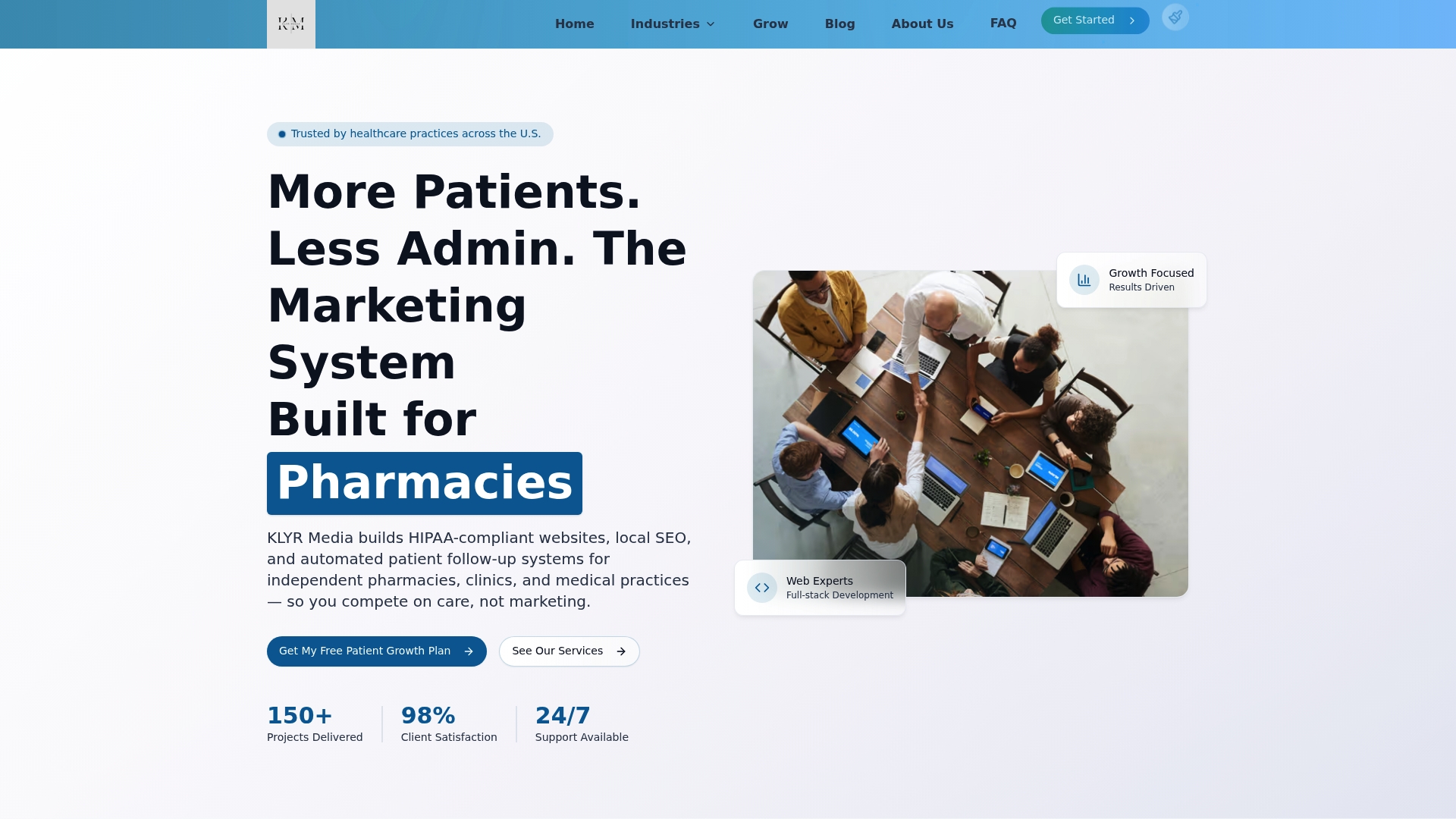
Klyrmedia builds HIPAA-compliant websites specifically for healthcare providers, including independent pharmacies, medical clinics, and specialty practices across the United States. Every site includes proper schema architecture, mobile-first design, secure patient intake forms, and local SEO structure built in from day one. Klyrmedia also offers healthcare SEO services to make sure your site ranks for the patient searches that matter most in your market. If you’re ready to stop losing patients to competitors with better websites, Klyrmedia is the place to start.
FAQ
What is healthcare web design?
Healthcare web design is the process of building and structuring patient-facing websites to meet clinical, legal, and conversion requirements specific to medical providers. It includes HIPAA compliance, accessibility standards, and patient-centered navigation.
How do I optimize a medical website for search?
Medical website SEO requires Core Web Vitals optimization, mobile responsiveness, HTTPS, XML sitemaps, and schema markup for physicians and medical conditions. Structured data linking clinical content to credentialed providers is the highest-impact technical step in 2026.
What makes a healthcare website HIPAA-compliant?
A HIPAA-compliant healthcare website uses SSL encryption on all pages, processes patient data only through Business Associate Agreement-covered platforms, and avoids storing protected health information in unencrypted contact forms or analytics tools.
How many navigation items should a healthcare website have?
Limit primary navigation to five or six items. Fewer choices reduce decision fatigue and guide patients faster to booking, which directly reduces bounce rates and increases appointment conversions.
Does custom healthcare website design outperform templates?
Custom healthcare websites outperform templates for compliance, patient journey design, and technical SEO because they are built to meet healthcare-specific requirements rather than adapted from general-purpose frameworks.

